
Optional Prep
1 Video (2 min) | 4 Steps | Total Time to Completion: 15 min
Let's do this! If you don’t want to lose momentum to go grab image files, etc., do this first!!
Highly recommended.
1. Grab an image for your profile: Logo usually
2. Grab a 1440 x 810px cover photo - Optional - if you don’t set this up, it will populate with your Pin images.
2. Grab a 1440 x 810px cover photo - Optional - if you don’t set this up, it will populate with your Pin images.
3. Look at your content and write down 5 or more categories into which it fits. These will be your first Board names. Here’s a helpful pdf. You can make more later!
4. Briefly describe what kind of content you’ll find in each category - use your keywords! These will be your Board descriptions.
4. Briefly describe what kind of content you’ll find in each category - use your keywords! These will be your Board descriptions.
Want to come back to the lesson later? Set yourself a calendar reminder!


Featured Presenter
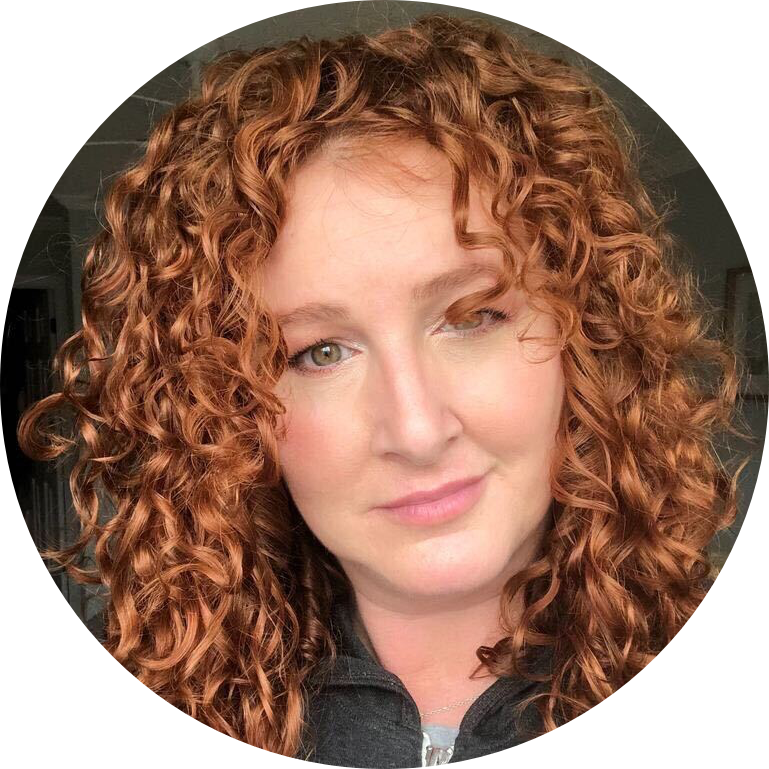
Alisa Meredith
Alisa Meredith is a sought-after speaker and teacher on Pinterest marketing and the Pinterest Product Specialist at Tailwind. When not Pinning, you can find her on the beach in North Carolina or spoiling her blind dog and more cats than she’ll claim.
